
# How to Put a Signature on a PDF Document
Securely e-Sign documents with legally binding signatures
Legally-binding signatures can be created easily by using an e-Signing tool.
Are you looking to e-Sign a document? You can easily e-Sign ]([https://safepdfkit.com/add-stamp-to-pdf)a[a) PDF file by using our e-Signature tool. Signing PDFs securely is very easy with our e-Signature tool whether you are a business professional or a student, or anyone else who has to deal with documents electronically.
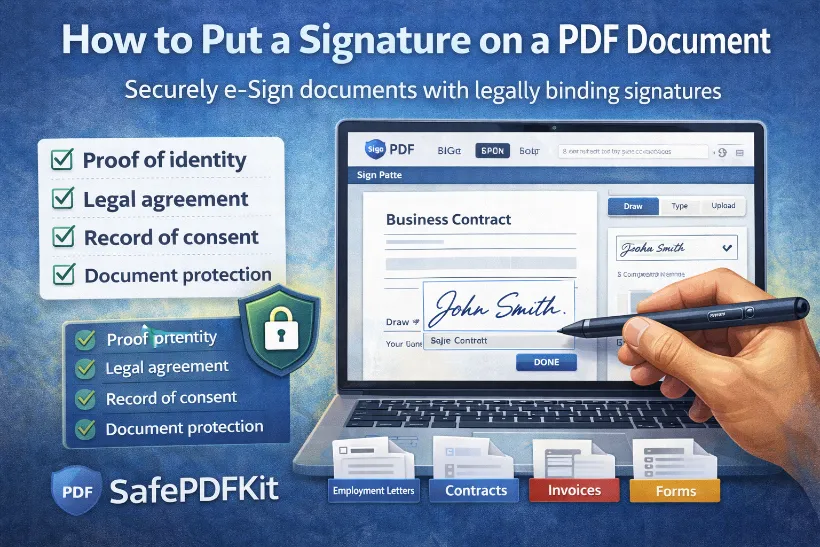
Our PDF Signer makes it very easy to authenticate any file by adding your signature. The e-Signature tool not only lets you securely sign documents yourself, but also request signatures from others.
This post will show you how to create a signature and apply it to a PDF using the
Why Do We Need to Sign PDF Documents?
A signature on a PDF serves as:
✔️ Proof of identity
✔️ Confirmation of approval
✔️ Legal acknowledgment
✔️ Record of agreement
✔️ Protection from unauthorized alterations
This is crucial for:
- Employment letters
- Client contracts & agreements
- Government documents
- Payment authorizations
- Invoice approvals
- Residential leases
- School admission forms
With digital signatures, handling these becomes fast and paper-free.
What are the different ways to sign a PDF?
There are three main ways to sign a PDF — depending on your device, purpose, and the level of security required:
1️⃣ Electronic (Handwritten-Style) Signatures
These mimic traditional handwritten signatures.
How you create them:
Draw using mouse, trackpad, touchscreen, or stylus
Upload a scanned signature image (preferably PNG with transparent background)
Capture handwriting using a mobile camera
Best for:
- Everyday forms
- Internal approvals
- Informal agreements
2️⃣ Typed Signatures
You simply type your name and choose a signature-style font.
Best for:
Quick sign-offs
Casual documents
3️⃣ Digital Signatures (Certificate-Based)
An advanced type of e-signature that includes encryption and identity verification.
How it works:
A digital certificate is embedded in the PDF
Any changes after signing trigger a security alert
Often includes timestamps + signer identity proof
Best for:
- Legal contracts
- Business agreements
- Documents requiring compliance/audit trail
How to sign a PDF
It’s never been easier to add your signature to a PDF. You can quickly add your signature to any PDF document using our tool. Learn how to add a signature to your PDFs with the secure PDF signer, whether you’re signing forms, reports, or bills.
All you need to do is upload the document you wish to sign, create your signature, and sign the document with the style you require.
What Types of Signatures Are Common — and When to Use Each
Electronic / Handwritten-style Signature
You draw your signature (using mouse, touchscreen or stylus) or upload a scan/photo of your pen-and-paper signature.
Best for: Everyday documents, forms, non-legal paperwork where a basic signature is acceptable.
Typed Signature
You type your name and optionally stylize it to resemble a signature.
Best for: Informal agreements, quick approvals, internal documents.
Digital Signature (Certificate-based / Encrypted)
More advanced: often uses a digital certificate to verify identity and integrity. Changes after signing can be detected.
Best for: Legal contracts, important agreements, documents requiring verification or audit trail.